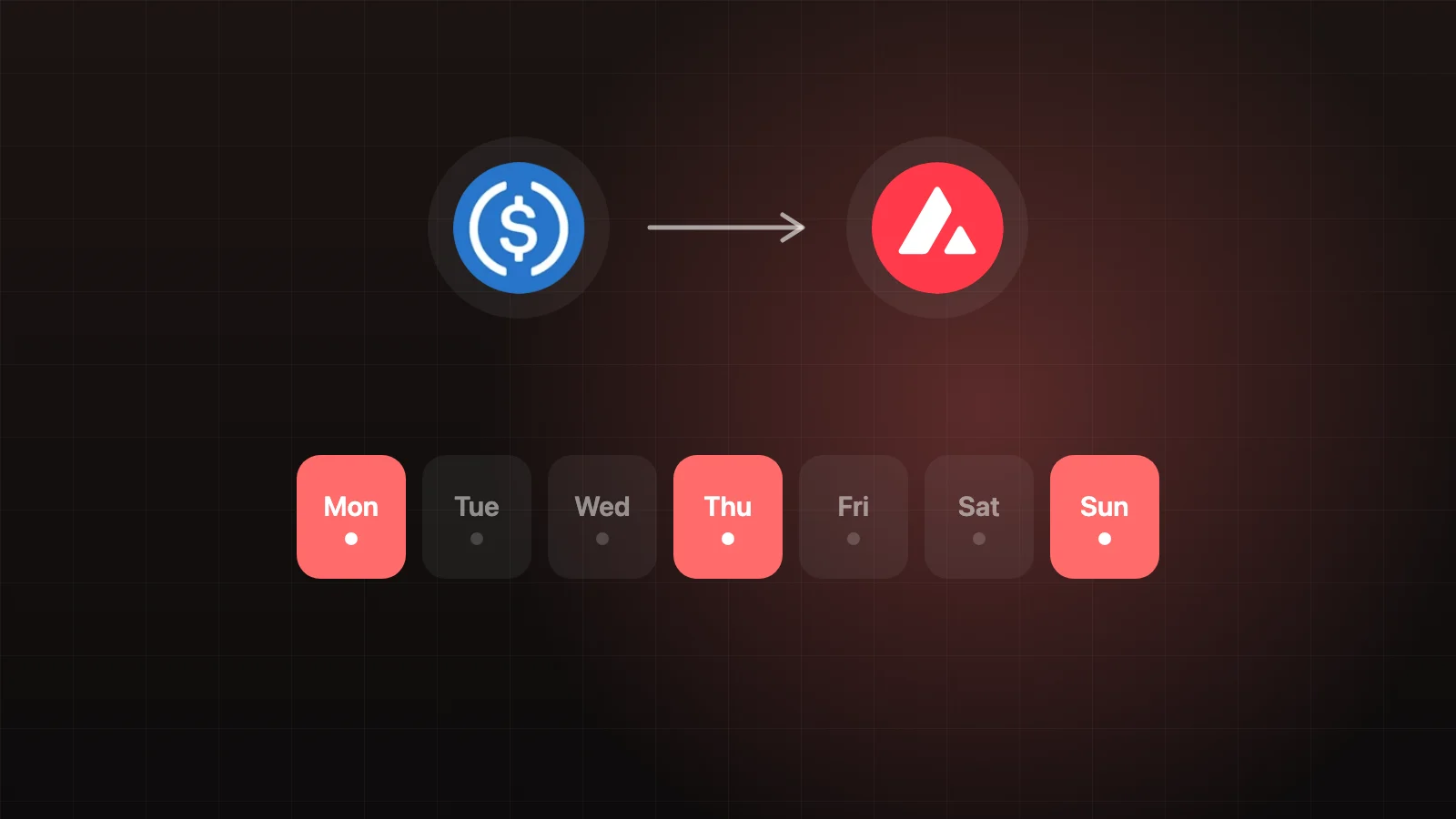
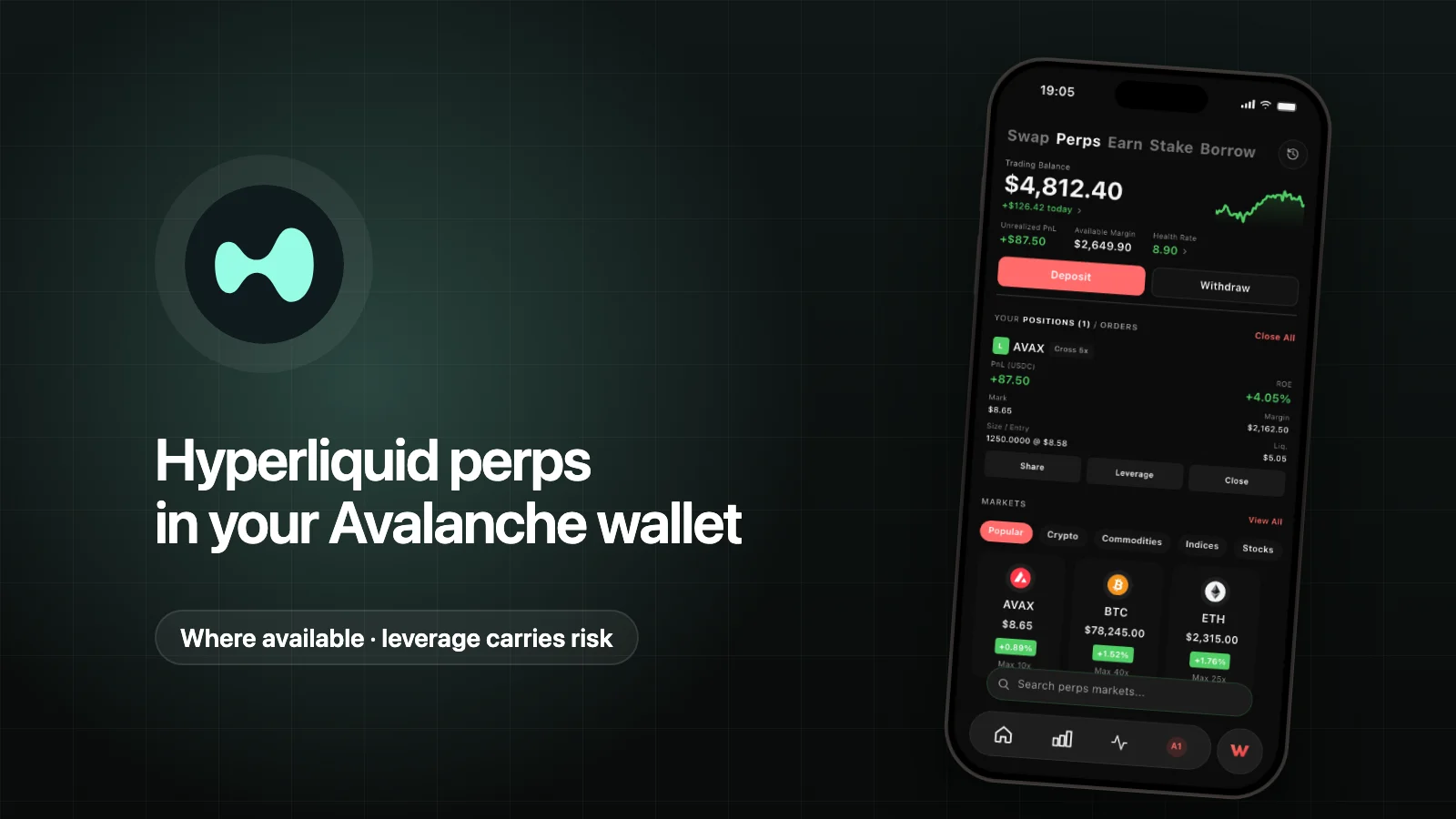
To trade Hyperliquid perps from an Avalanche wallet, you move USDC from Avalanche into your own Hyperliquid account, approve a trading key once, and then place orders that Hyperliquid matches on its own chain. Your wallet holds the keys; Hyperliquid runs the exchange. In Wyro, where perps are available, this happens in Trade → Perps, with one Transfer screen for moving USDC in and out.
Perps are leveraged products. Leverage magnifies gains and losses, positions can be liquidated, and you can lose your entire margin. Read the risk section before you deposit.
Key takeaways
- Perpetual futures let you go long or short on a price without an expiry date.
- Hyperliquid provides the perps. It runs its own layer-1 blockchain and uses USDC as collateral. Wyro is the interface.
- You approve an agent key once. It lives only on your device and can place orders, but can't withdraw funds.
- Deposits move native USDC from Avalanche to your own Hyperliquid address, routed through Relay. Minimum transfer: 5 USDC.
- Wyro's default leverage is 2x. Hyperliquid's trading fees apply; Wyro doesn't set a builder fee.
- Not available in the US and its territories, Ontario, the UK, or sanctioned regions.
Perps in two minutes
A perp tracks the price of an asset such as BTC or AVAX. You don't own the asset; you hold a position.
- Long gains if the price rises. Short gains if it falls.
- Leverage lets margin control a larger position. At 2x, $500 of margin controls a $1,000 position.
- Funding keeps the perp price close to the underlying market. On Hyperliquid it's paid every hour between traders: when the perp trades above the oracle price, longs pay shorts, and the reverse when it's below. Holding for days can cost, or earn, a meaningful amount.
- Margin can be cross (collateral shared across your cross positions) or isolated (one position's collateral kept separate). Some markets are isolated-only.
On Hyperliquid, placing orders doesn't cost gas; you pay trading fees instead. Each market has its own maximum leverage.
Step 1: get native USDC on Avalanche
The deposit uses native USDC on the C-Chain. If you hold bridged USDC.e, swap it first; USDC vs USDC.e explains the difference. Keep a little AVAX for gas.
Step 2: deposit to Hyperliquid
- Open Trade → Perps and tap Deposit. The Transfer screen opens with your wallet as the source and Hyperliquid as the destination.
- Enter at least 5 USDC.
- Review the quote. Wyro gets it from the Markr routing API, which routes the transfer through Relay. Network gas and Relay's fee are reflected in the amount you'll receive.
- Approve. The deposit is a C-Chain transaction, so you see a simulated preview first. The USDC arrives at your own address on Hyperliquid.
The same Transfer screen also moves AVAX to the P-Chain for staking.
Step 3: Enable Trading
After your first deposit, the app asks you to Enable Trading. This step:
- Creates a random agent key in your device's secure storage.
- Asks your main wallet to sign Hyperliquid's approveAgent action once, authorizing that key to trade for your account (Hyperliquid's API wallet docs).
- Turns on Hyperliquid's unified account mode, which combines your spot and perps balances.
From then on, the app signs orders on your device with the agent key and sends them to Hyperliquid's public API. The agent key can place and cancel orders but can't withdraw funds; withdrawals need your main wallet's signature.
Step 4: open a position
- Pick a market from the Perps list.
- Choose Long or Short, and Market or Limit.
- Set size and leverage. Wyro starts at 2x. You can go up to the market's maximum, but higher leverage moves your liquidation price closer.
- Choose Cross or Isolated where the market allows it.
- Review and place the order.
The order preview doesn't show a liquidation price. Once the position is open, it shows Liq. Price and live PnL. Check Liq. Price right after you open, and adjust if it's closer than you expected.
Liquidation and the Health Rate
From Hyperliquid's liquidation docs:
- Maintenance margin is half the initial margin at the market's maximum leverage. For a 20x market, that's 2.5% of position value.
- Liquidation starts when equity falls below maintenance margin: your whole cross account for cross positions, or that position's margin for isolated ones.
- Liquidations use the mark price, which combines external prices with Hyperliquid's order book and can differ from the last trade in fast markets.
- If the order book can't absorb the position, a backstop vault takes it over, and your maintenance margin isn't returned.
Roughly, a 50% move against you wipes out margin at 2x, and a 10% move at 10x. Liquidation comes earlier, and fees, funding and other cross positions shift it.
The Perps portfolio card shows a Health Rate: account value divided by maintenance margin. At 1.0 you're at the liquidation point. Wyro can send a push notification when it falls below your alert threshold, which defaults to 1.5 and can be set between 1.05 and 2. Alerts are a warning, not a stop-loss; prices can gap through them.
Fees
Hyperliquid charges maker and taker fees based on your 14-day volume. Its fee schedule lists a base tier of 0.045% taker and 0.015% maker on perps at the time of writing; check the page for current numbers. Wyro doesn't set a builder fee. Deposits and withdrawals carry network gas and Relay's fee, shown before you confirm.
Withdrawing back to Avalanche
- Open Transfer with Hyperliquid as the source and your wallet as the destination.
- Enter the amount. The minimum is 5 USDC unless you're withdrawing your whole available balance.
- Review the amount you'll receive after Relay's fee, and sign. You sign a Hyperliquid action with your main wallet, and Relay bridges the USDC to your Avalanche address.
Margin backing open positions can't be withdrawn; close or reduce them first.
Where perps are available
Hyperliquid's Terms of Use restrict the United States, Ontario, and sanctioned jurisdictions. Wyro follows those restrictions and also blocks the UK and places where your location can't be determined. If perps aren't offered where you are, the app tells you when you try to use them. Don't use a VPN to get around it; that breaks both Wyro's and Hyperliquid's terms.
Risks
- You can lose your entire margin. Leverage magnifies losses as much as gains.
- Liquidations happen fast. Prices can gap through your liquidation price in volatile or thin markets.
- Funding adds up. A position that goes nowhere can still cost you every hour.
- Cross margin links positions. A loss on one cross position can pull the others toward liquidation.
- Platform and bridge risk. Hyperliquid, Relay, and USDC involve contracts, validators and operators outside your control.
- Wyro is an interface. It doesn't execute orders, hold funds, or act as your counterparty.
Start with low leverage and a size you can afford to lose. If you want exposure without leverage, a spot swap may fit better. More on the Perps page.
FAQ
Can I use Hyperliquid with an Avalanche wallet?
Yes, where Hyperliquid is available. Move USDC from Avalanche to your own Hyperliquid account, approve a trading key, and trade. In Wyro, the Transfer screen routes native USDC through Relay and the Perps tab handles orders.
What is a Hyperliquid agent key?
A separate key your main account authorizes, with Hyperliquid's approveAgent action, to sign trading actions. In Wyro it's created and stored only on your device, approved once, and can place orders but can't withdraw funds.
What leverage should I use on Hyperliquid?
That's your decision. Higher leverage puts your liquidation price closer, and you can lose your entire margin. Wyro defaults to 2x, and you can change it up to each market's maximum.
Does Wyro charge fees on Hyperliquid perps?
Wyro doesn't set a builder fee. Hyperliquid's trading fees apply, and transfers carry network gas and Relay's fee, shown before you confirm.
Is Hyperliquid available in the US?
No. Perps in Wyro aren't available in the US and its territories, Ontario, the UK, sanctioned regions, or where your location can't be determined.