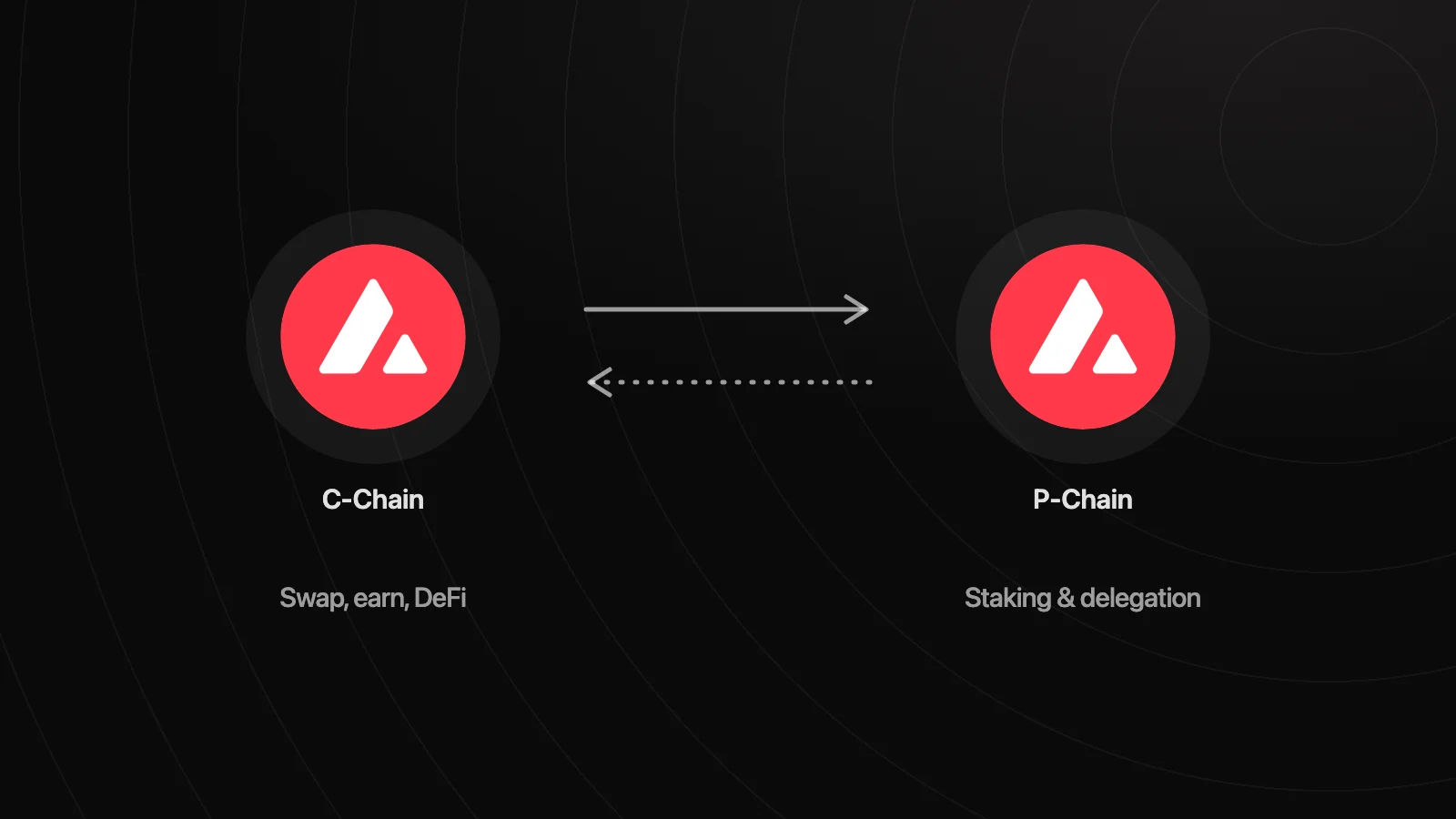
Moving AVAX between the C-Chain and P-Chain takes two transactions: an export from the chain it's on and an import on the chain you want it on. Wallets with P-Chain support, such as Wyro, sign both in one flow. You need AVAX on the P-Chain to stake natively, and on the C-Chain to swap, lend, or pay gas.
What the P-Chain is and why staking lives there
Avalanche's Primary Network runs three chains, and AVAX can sit on any of them:
| Chain | What it's for | Address looks like |
|---|---|---|
| C-Chain (Contract) | EVM smart contracts: swaps, lending, tokens, most dapps | 0x… |
| P-Chain (Platform) | Validators, staking, and Avalanche L1 validator sets | P-avax1… |
| X-Chain (Exchange) | Creating and sending Avalanche native assets | X-avax1… |
Most activity happens on the C-Chain. Exchanges, MetaMask, and Rabby all work there. The P-Chain is Avalanche's coordination chain: every validator and delegator on the Primary Network is registered there, with how much they stake, until when, and at what fee. It decides at the end of each period whether a validator earned rewards, and it pays them. It also tracks the validator sets of Avalanche L1s (formerly Subnets).
That's why native staking starts with a transfer. A delegation can only spend AVAX that's already on the P-Chain, and when the stake ends, your AVAX and rewards come back to your P-Chain balance, not the C-Chain.
Lending on Aave or Benqi and liquid staking are different. They run as smart contracts on the C-Chain, so they don't touch the P-Chain at all.
A few things about P-Chain addresses trip people up:
- They look different. P-avax1 followed by letters and numbers, not a 0x address.
- P-Chain and X-Chain addresses share the same body. Only the prefix differs, because they come from the same key.
- Your C-Chain address is separate. It's a 0x address derived from the same recovery phrase.
- The P-Chain uses UTXOs, like Bitcoin, rather than account balances. Your P-Chain balance is made of separate pieces, which matters when you move AVAX back.
How a cross-chain transfer works
- Export. The source chain removes AVAX from your balance and places it in shared memory between the two chains.
- Import. The destination chain picks it up from shared memory and credits your address there.
The import can only happen after the export is accepted. Both are usually accepted quickly. The AVAX never goes to anyone else: both sides are your own addresses from the same recovery phrase.
What it costs
Each step pays a network fee in AVAX. Per Avalanche's fee documentation, C-Chain export and import fees depend on the transaction's size and the current base fee, and P-Chain fees depend on the resources a transaction uses and network demand. Fees are burned, not paid to a wallet or app.
In practice a transfer costs a small fraction of an AVAX, but it moves with network load. Wyro shows the estimated fee on the approval sheet before you sign.
How to move AVAX in Wyro
Wyro's Transfer screen moves funds between three accounts: C-Chain (Wallet), P-Chain (Staking), and Hyperliquid (Perps). AVAX moves between the C-Chain and P-Chain.
- Open Trade → Stake and tap Transfer.
- Set From to C-Chain and To to P-Chain. Tap the arrow between them to flip the direction.
- Check that Coin is AVAX.
- Enter an Amount or tap Max. The minimum transfer is 0.01 AVAX, and Max leaves 0.01 AVAX behind for fees.
- Tap Confirm Transfer. The approval sheet shows both chains, the amount, and the estimated fee. Sign it.
- Wyro runs Step 1/2: Export, then Step 2/2: Import, and refreshes both balances when the AVAX arrives.
P-Chain transactions, including transfers, aren't covered by transaction simulation, so read the approval sheet before you sign.
Moving AVAX back to the C-Chain
Same screen, with From set to P-Chain. There's one extra row, Spend from, which lets you choose which P-Chain UTXOs the transfer uses. All of them are selected by default, which is what most people want. You'd only change it to leave specific pieces untouched.
This is the step people forget after a stake ends: rewards land on the P-Chain, and you need to bring them back before you can swap or supply them on Earn.
If the import doesn't finish
If the export goes through but the import doesn't, for example because the app closed mid-transfer, the AVAX isn't lost. It waits in shared memory until the import is signed. Wyro shows an Incomplete transfer card on the Transfer screen with the amount that was exported, and a Recover button that signs the missing import.
Common mistakes
Withdrawing from an exchange to the wrong chain
Exchanges ask you to pick a network when you withdraw AVAX. Choose the Avalanche C-Chain and paste your 0x address. Don't paste a P-avax1 or X-avax1 address unless the exchange explicitly supports that chain. Once the AVAX is on the C-Chain, move what you want to stake yourself.
AVAX that landed on the X-Chain
Wyro shows your X-Chain balance and address, but its Transfer screen covers the C-Chain and P-Chain only. To move AVAX off the X-Chain, use a wallet that supports X-Chain transfers.
Moving your whole balance
If you move everything, you can't pay for the next transaction. Use Max, which keeps a small amount back, and leave some AVAX on the C-Chain for gas.
Using an account imported from a private key
An account imported from a single private key has a C-Chain address but no P-Chain address, so it can't transfer to the P-Chain or stake. Import your recovery phrase instead.
Expecting MetaMask to do it
MetaMask is a C-Chain wallet and can't sign P-Chain transactions or show P-Chain balances. Import the same recovery phrase into a wallet with P-Chain support to move and stake the same funds.
Using a Ledger without setting up the Avalanche app
On a Ledger, initialize the Avalanche app in Wyro's Account Center first to enable P-Chain addresses (Ledger on Avalanche, on your phone).
After the transfer
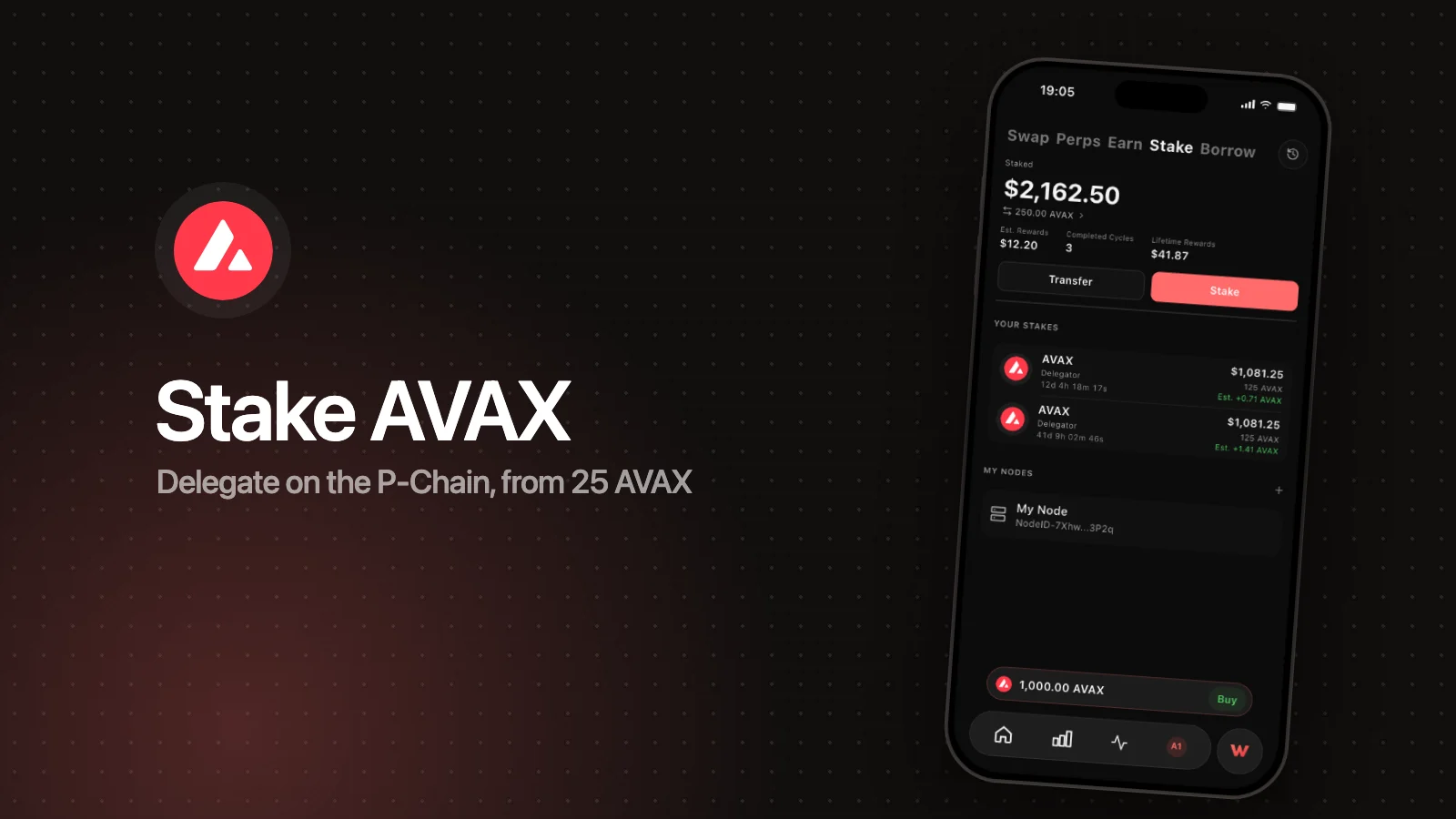
With AVAX on the P-Chain, tap Stake on the same screen, choose Delegate, enter at least 25 AVAX, pick a duration, and choose a validator. How to stake AVAX covers what to look for in a validator. If you try to stake more than your P-Chain balance, Wyro shows Insufficient P-Chain balance and how much to transfer. More on the staking page.
FAQ
What is the P-Chain on Avalanche?
The Platform Chain coordinates Avalanche's validators. It records every validator and delegation, pays staking rewards, and tracks Avalanche L1 validator sets. Native AVAX staking happens there.
How do I transfer AVAX from C-Chain to P-Chain?
Use a wallet with P-Chain support. It signs an export on the C-Chain and an import on the P-Chain. In Wyro, open Trade → Stake → Transfer, set From to C-Chain and To to P-Chain, enter the amount, and confirm.
How much does it cost to move AVAX to the P-Chain?
You pay one network fee for the export and one for the import. Both are dynamic, usually a small fraction of an AVAX, and burned. Wyro shows the estimate before you sign.
Can I send AVAX from an exchange directly to my P-Chain address?
Only if the exchange explicitly supports P-Chain withdrawals. The safe path is to withdraw on the C-Chain to your 0x address, then move it to the P-Chain in your wallet.
My AVAX left the C-Chain but didn't arrive on the P-Chain. Is it lost?
No. The export completed but the import didn't, so the AVAX is waiting in shared memory. Sign the import to finish. In Wyro, tap Recover on the Incomplete transfer card.