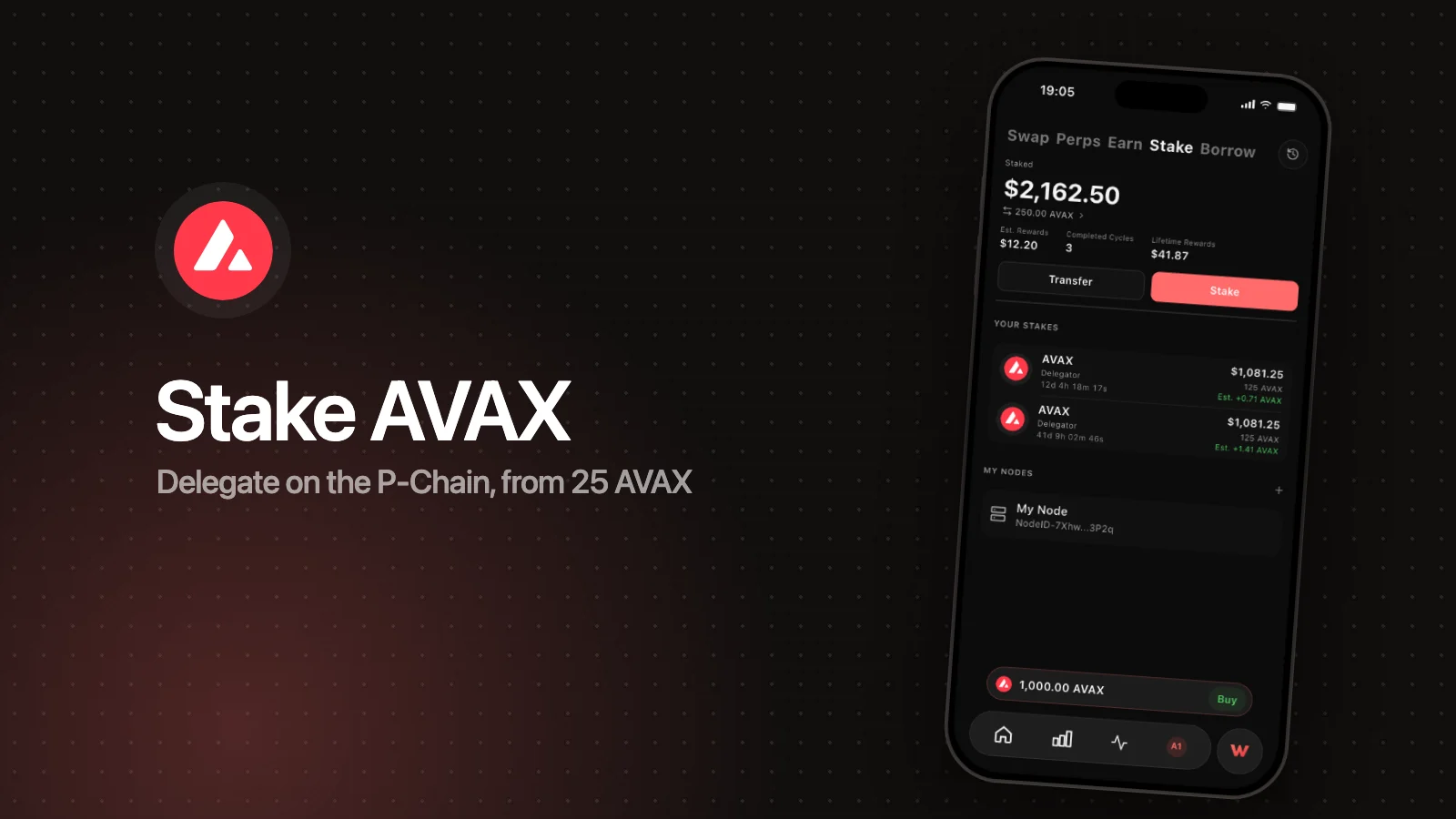
Before the Helicon upgrade, every Avalanche validator had a fixed end date. When it arrived, the stake and rewards unlocked, and running again meant a new staking transaction. Since Helicon went live on mainnet on September 22, 2026, a validator can instead run auto-renewed: you pick a cycle length, and at the end of each cycle the P-Chain pays out the rewards and starts the next cycle on its own. This change is ACP-236.
Auto-renew is for validators, meaning people running their own node with at least 2,000 AVAX. Delegations still have a fixed term and can't auto-renew. If you only delegate, skip to what changes for delegators.
What changed with Helicon
| Fixed validation | Auto-renewed validation | |
|---|---|---|
| How long it runs | Until one end date you set | In repeating cycles until you stop it |
| Rewards | Paid when the term ends | Settled at the end of every cycle |
| Restaking | Start a new stake yourself | Choose how much of each cycle’s reward is restaked |
| Stopping | Ends on its own at the end date | Stop it; the stake unlocks when the current cycle ends |
| Uptime needed for rewards | 90% for terms that start after Helicon | 90% every cycle |
Helicon changed a few other staking rules at the same time. The validator minimum dropped from two weeks to 48 hours (ACP-273), and the uptime needed for rewards rose from 80% to 90% for validations that start after the upgrade (ACP-267). Delegations still need at least 14 days, up to one year. The base reward rate is also stepping down gradually over the 90 days after activation (ACP-285), so check the current estimate before you commit.
How a cycle works
- You register your node as a validator and choose a cycle length instead of an end date.
- You choose a restake share: how much of each cycle’s reward stays staked.
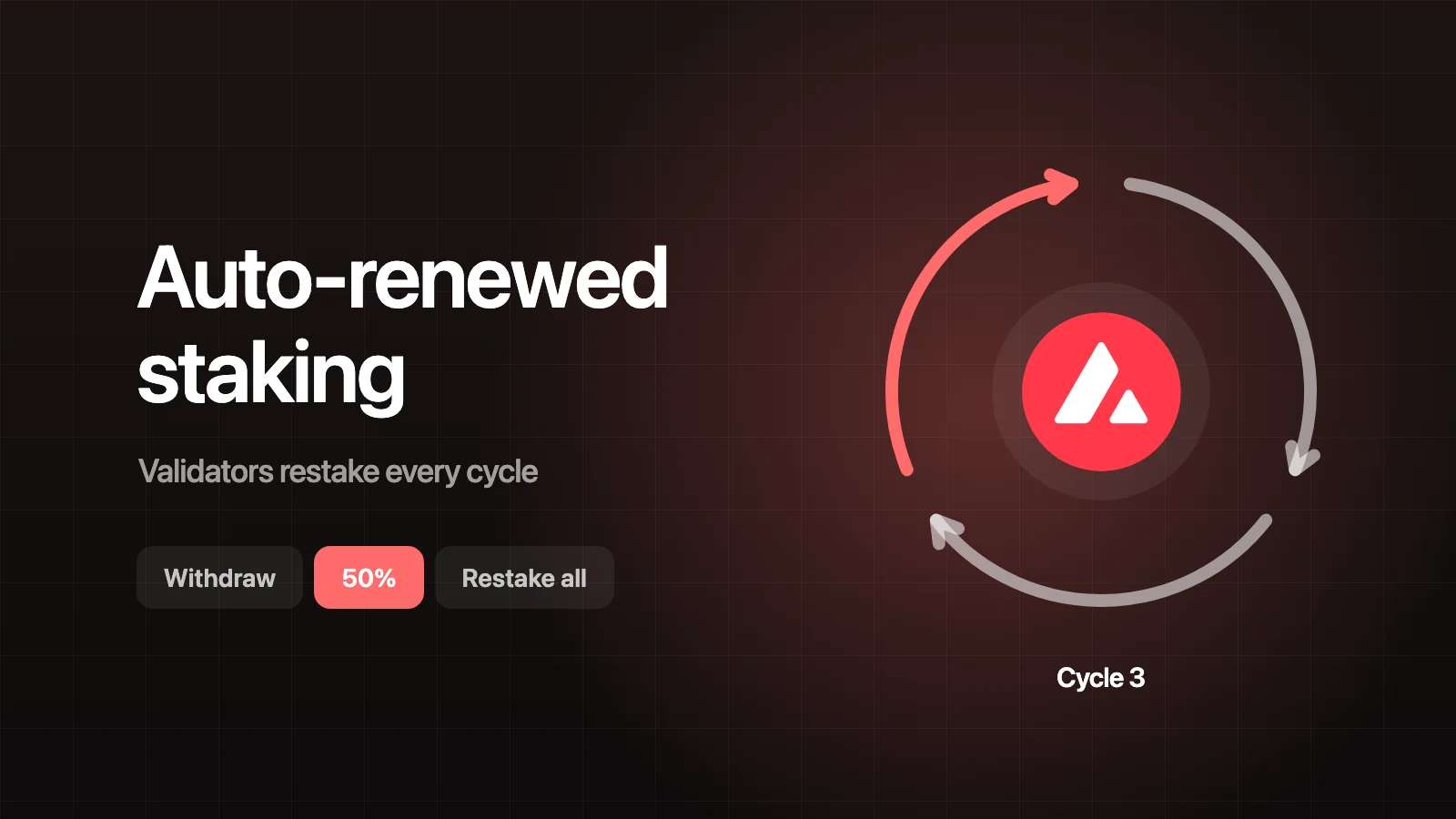
- When a cycle ends, the P-Chain checks your uptime for that cycle and settles the reward. Restaked rewards are added to your stake, and the rest is paid out to your reward address.
- The next cycle starts right away with the same transaction. You don’t sign anything per cycle; the renewal happens on-chain.
- This repeats until you stop it, or until a cycle misses the uptime requirement.
You can change the cycle length or the restake share while a validator is running. The change applies from the next cycle.
Restaking rewards
The protocol lets a validator restake anywhere from 0% to 100% of each cycle’s reward:
- Withdraw (0%). The principal keeps running; every reward is paid out.
- 50%. Half of each reward is added to your stake and half is paid out.
- Restake all (100%). Every reward is added to your stake, so later cycles earn on a larger amount.
Restaking compounds, so a higher share earns a little more over a year. The trade-off is liquidity: restaked AVAX is locked like the rest of your stake until you stop. Restaked amounts also count toward the network’s maximum validator stake. Anything above that cap is paid out instead of restaked.
Stopping an auto-renewed validator
There’s no exit button that returns funds instantly. To stop, you set the next cycle length to zero. The validator finishes the current cycle, the final reward is settled, and then your stake unlocks. If you stop three days into a 30-day cycle, your AVAX stays staked for the remaining 27 days.
So pick a cycle length you’re comfortable being locked for. Shorter cycles let you exit sooner. Longer cycles mean fewer settlements, and they let delegators stake longer with you (see below).
Uptime matters more now
Each cycle needs 90% uptime to earn its reward. If a cycle falls short, the validator doesn’t renew. That cycle earns no reward, the validation ends, and your stake unlocks. Avalanche doesn’t slash: you lose that cycle’s reward, not your principal.
In practice, auto-renew rewards a well-run node. Keep AvalancheGo updated (v1.15.0 or later is required since Helicon), monitor uptime, and plan maintenance so a single cycle doesn’t dip under 90%.
What changes for delegators
Delegators can’t auto-renew. Every delegation still needs at least 14 days and has its own end date. What changes is which validators you can choose:
- Your delegation must fit inside the validator’s current cycle. If an auto-renewed validator’s cycle ends in 10 days, you can’t delegate to it for 14 days.
- Short validators can’t take delegations. A validator running 48-hour terms or cycles is too short for any delegation.
- Rewards still come at the end of your term, the same as before.
In Wyro’s validator picker, auto-renewed validators show Cycle remaining instead of Remaining, so you can see how much room the current cycle has. If none fit your chosen duration, try a shorter one. How to stake AVAX covers choosing a validator in full.
Auto-renewed validation in Wyro
Wyro’s staking flow has an auto-renewed mode for validators. It runs on the Fuji testnet today. On mainnet, it’s switched on as part of a staged rollout; until then, the app shows “Auto-renewed staking is not available on mainnet yet.”
To register a node that you already run:
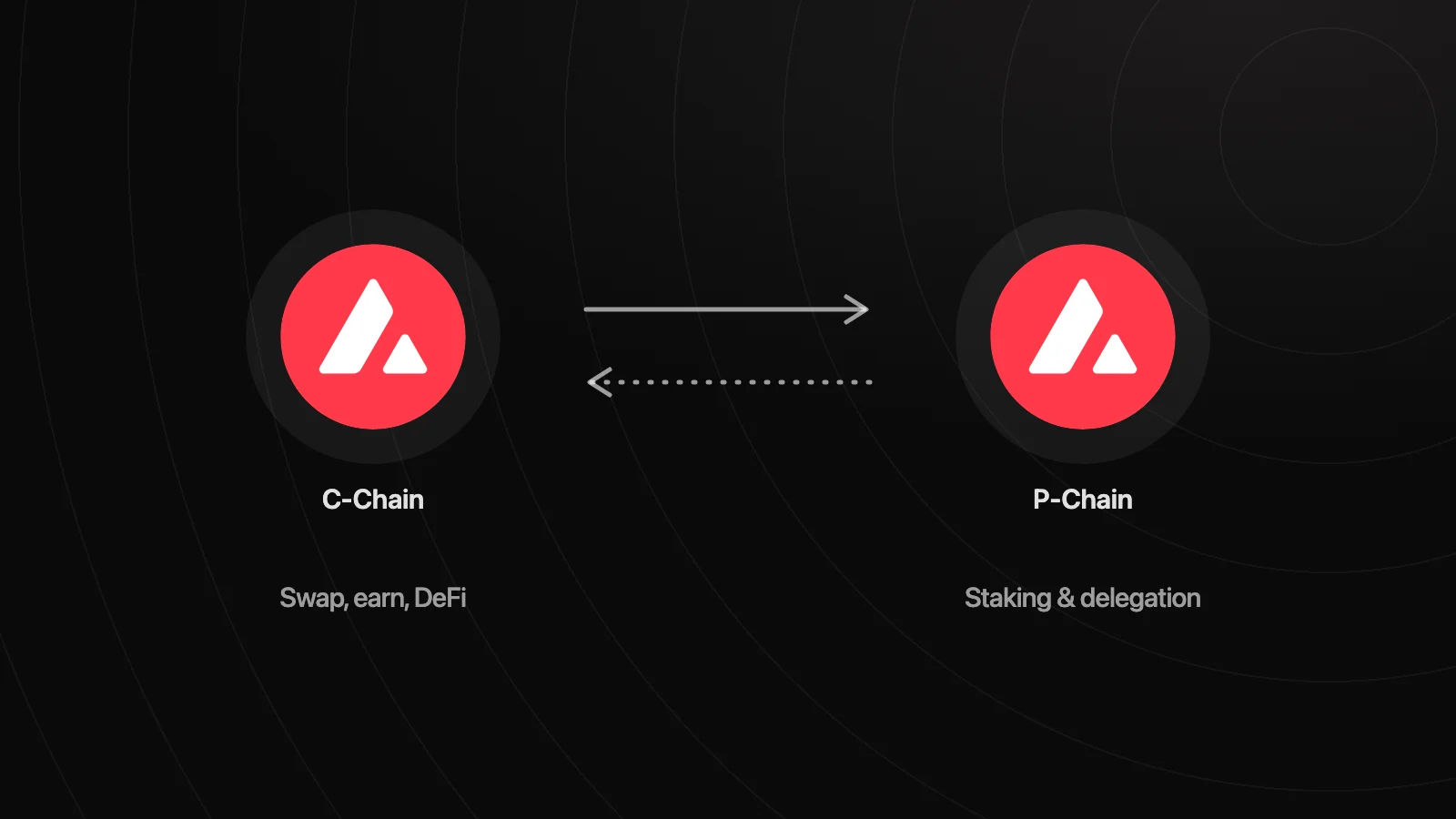
- Move at least 2,000 AVAX to the P-Chain. Moving AVAX between chains shows how.
- Go to Stake, choose Validate, and enter the Staking Amount.
- Under Duration Mode, pick Auto-renewed: “Restakes each cycle. Stop any time; funds unlock at cycle end.” The other option, Fixed duration, works as before.
- Choose a cycle length: 2 Days, 14 Days, 1 Month, 3 Months, 6 Months, or 1 Year. Wyro shows when the first cycle ends.
- Paste your Node Credentials (the node JSON, or the node ID and BLS proof) and set your Delegator Fee (the minimum is 2%).
- Under Restake Rewards, pick Withdraw, 50%, or Restake all. Each option shows an estimated APY for your cycle length.
- Check the Summary (it shows Mode: Auto-renewed) and approve the Auto-Renewed Validation transaction.
Once it’s running, open the validator under My Nodes and choose Manage to see the number of completed cycles and when the current one ends. There you can change the Next cycle length or Restake rewards, or tap Stop at cycle end. Changes apply when the current cycle ends. Your stake history lists each settled cycle as a Cycle Reward.
Wyro doesn’t run nodes. It registers and manages a node you operate, and you sign every staking transaction on your phone or your Ledger.
FAQ
Can delegators use auto-renewed staking?
No. ACP-236 applies to validators only. Delegations still last 14 days to one year, end on a fixed date, and need a new delegation to continue.
If I stop, when do I get my AVAX back?
When the current cycle ends. Stopping sets the next cycle length to zero; it doesn’t end the cycle you’re in. Your stake and that cycle’s reward unlock at its end.
What happens if my node misses the 90% uptime requirement?
That cycle earns no reward and the validator doesn’t renew. The validation ends and your stake unlocks. Avalanche doesn’t slash, so your principal is safe.
Do I need to sign a transaction every cycle?
No. The renewal and reward settlement happen on the P-Chain automatically. You only sign when you start the validator, change its settings, or stop it.
Can I change the cycle length or restake share later?
Yes. In Wyro, open the validator under My Nodes and choose Manage. New settings apply from the next cycle.